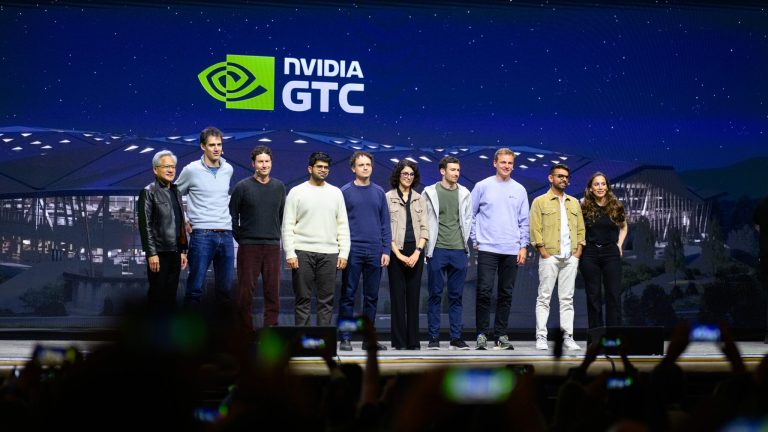
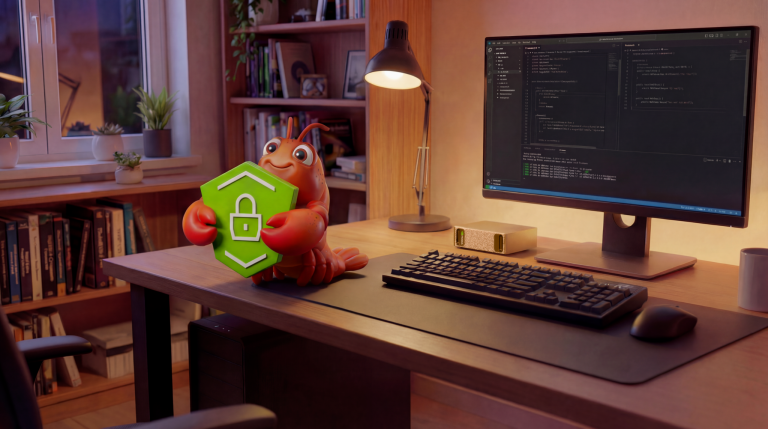
At GTC 2026, NVIDIA introduced NemoClaw, a security wrapper for OpenClaw. It now runs on the Jetson Orins. Looky here:
Background
If you’ve been anywhere near the AI noise machine over the last month or two, you’ve heard about OpenClaw. OpenClaw is an always-on agent that works tirelessly on your behalf, 24 hours a day, 7 days a week. It has access to your information, your email, your contacts, and complete control of your machine. It went viral hard enough that it could not be ignored.
The idea itself is not new. In 1987, Apple showed the concept of the Knowledge Navigator, an agent that works tirelessly on your behalf, 24 hours a day, 7 days a week. It’s a great video! There have been plenty of variations since then, because no fun idea in Silicon Valley goes uncopied for long.
Unfortunately, one thing OpenClaw forgot was security. Not only does it have access to your personal information and machine secrets, it is happy to share them with the world. Plain text everywhere, in the finest spirit of openness and open source.
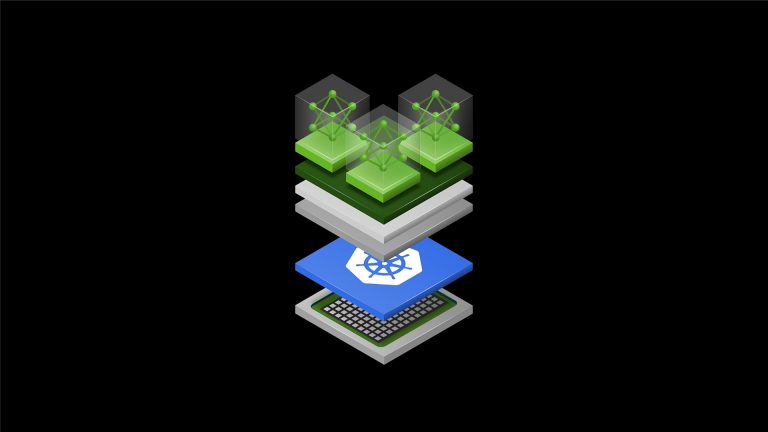
NVIDIA decided there is a real market for giving AI agents a more secure place to live. Instead of handing the agent the whole machine, the agent is placed inside a sandbox, where access to outside resources can be controlled through policies and gateways. For OpenClaw, that secure wrapper is called NemoClaw.
NemoClaw is still very young, but with a little coaxing, it can run on a Jetson.
Install
First clone the repository and move into the project directory:
git clone https://github.com/jetsonhacks/NemoClaw-Orin.git
cd NemoClaw-Orin
Then getting started comes down to three commands:
setup-jetson-orin.sh
source ~/.bashrc
onboard-nemoclaw.sh
That is the easy part. Underneath it is the setup work that makes Jetson Orin a workable home for NemoClaw.
setup-jetson-orin.sh prepares the Jetson host, installs the required tooling, and builds a patched OpenShell cluster image for Orin. source ~/.bashrc picks up the environment needed to point OpenShell at that image. The onboarding step then creates the NemoClaw sandbox.
Explainer
One of the knocks against OpenClaw is that it has broad machine access. However, that is part of what makes it interesting. NemoClaw wraps that capability in a sandbox, which means you can explore the workflow without immediately handing the whole host over to the agent.
That is a much more practical starting point for a Jetson developer. But getting NemoClaw to work on the Jetson wasn’t fun or easy. NemoClaw is built on another new NVIDIA project called OpenShell. OpenShell handles all the low level security work. Fortunately I’ve recently brushed up on my cursing which made the whole process tolerable if a little less wholesome. At first, it didn’t work right out the box …
What the real issues turned out to be
When you first look at a system like this, it is easy to blame the top layer. NemoClaw doesn’t come up, so it must be a NemoClaw problem. OpenShell seems unhappy, so it must be an OpenShell problem.
The real picture turned out to be lower in the stack.
The biggest lesson from getting this running on Jetson Orin is that there were really two different classes of problems.
1. Host prerequisites for the lower container and k3s stack
These are the boring but important pieces:
br_netfilter
the bridge sysctls
Docker default-cgroupns-mode=host
in some situations, overlay
These are not really NemoClaw fixes so much as host prerequisites for the lower networking and container path that OpenShell depends on.
A lot of the early confusion came from treating everything as one giant application problem, when part of it was simply the lower stack not being in the state that k3s expected.
2. The OpenShell cluster image needed a different iptables backend on Orin
This is the Jetson Orin-specific piece that matters most.
On Orin, the stock OpenShell cluster image uses an nf_tables iptables backend. On JetPack 6.2.2 with the 5.15 Tegra kernel, that turns out to be a bad fit. The working path is to patch the cluster image so it uses iptables-legacy instead.
That is why the install script builds a patched local OpenShell cluster image before onboarding. It is the difference between the stack coming up cleanly and spending your afternoon chasing strange networking failures.
Why this matters
From the outside, a failure can look like a NemoClaw problem when it is really a lower-level host or networking issue. That is useful to know because it tells you where to look when something breaks, and it also explains why the scripted install matters.
It also helps separate Jetson Orin-specific fixes from broader platform prerequisites. Some earlier workarounds were really covering for missing host setup, while the Orin path turns out to be much cleaner once the prerequisites and cluster-image patch are treated as separate concerns.
NVIDIA hosted models: a nice on-ramp
The other piece I found interesting is the model story.
When people hear “local AI agent” on Jetson, they often assume everything needs to be self-hosted right from the beginning. That is certainly possible, but in the video I also show something different.
As part of onboarding, NemoClaw can use a provider backed by NVIDIA’s hosted model infrastructure on build.nvidia.com. If you have an NVIDIA developer account, you can generate an API key and use hosted models without having to stand up your own inference stack first. All of this is free.
That is a good progression for a lot of Jetson developers. Get the sandbox working first, understand how the pieces fit together, and then decide how local you want the inference path to be.
Conclusion
NemoClaw on Jetson Orin is interesting because both the user experience and the engineering story are worthwhile.
From the user side, the bring-up path is approachable once the rough edges are packaged properly. From the developer side, the debugging journey teaches a useful lesson about modern AI software stacks: the failure is not always where it first appears.
NVIDIA’s hosted model access also gives people a practical way to get started without having to solve every infrastructure problem at once.
That makes this a nice playground for experimentation. You can bring up the sandbox on a Jetson Orin, point it at a hosted model, understand the architecture, and then move toward a more local setup as your needs evolve.
As always, the point is not just to get one demo working. The point is to understand the path well enough that you can build from there.
The post NemoClaw on Jetson Orin: Three Commands to a Local AI Sandbox appeared first on JetsonHacks.