Every now and then, someone brings up the haunting spectre of an AI-focused Windows 12. While recent rumours about the fabled, unicorn-like OS have since been debunked, it’s not difficult to imagine an operating system that may one day be developed by AI, and all the horrors that might entail.
Or indeed, you could just develop one now and see how it turns out (via Hackaday). Enter Vib-OS, a vibe-coded operating system described as a “from-scratch, Unix-like operating system with full multi-architecture support for Arm64 and x86_64” coded with Claude.
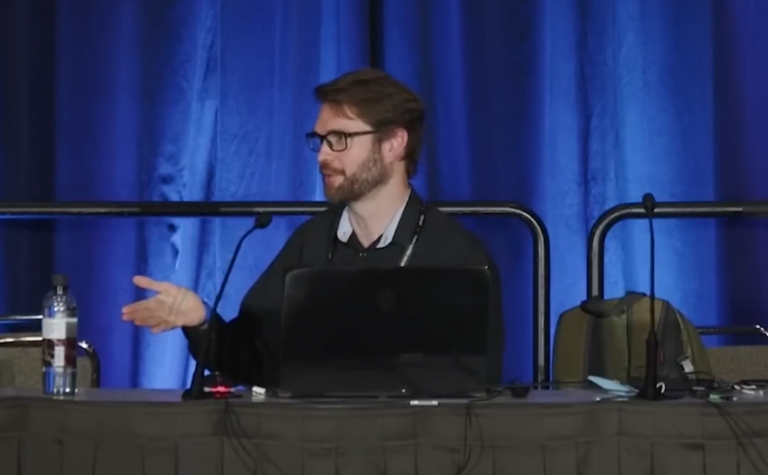
You say Unix, I say the future of a Windows that never was—and hopefully, shall never be. Thankfully, I don’t have to test out whatever spaghetti code the AI deemed was suitable to run an OS, as YouTuber tirimid has done all the hard work for me. And the video, you’ll be pleased to hear, is an absolute riot.
Tirimid likes testing weird operating systems, and has a nine-point checklist to run through of tasks to complete in each of them. First up: booting!
Setting up a virtual machine, tirimid installed the iso with 4 GB of memory allocation and a four-core processor. Unfortunately, the installer began looking for a macOS-specific utility, despite compatibility listings for various virtual machines.
(Image credit: tirimid)
However, hunting around in the commands revealed more installation options, each of which appear to be broken in different ways. After much fiddling, tirimid managed to finally get the OS to boot… after over an hour’s worth of hunting through forum threads and much head scratching.
Discovering a Mac-like OS, tirimid attempted to connect to the internet. Finding a lack of options, he instead discovered a downloads folder—that proceeded to add extra forward slashes to the address bar every time it was clicked, and nothing else. As did the rest of the folders, it seems.
Giving up on the internet connection, tirimid began working his way through the rest of his task list. While the GUI worked to a fashion, and a basic text editor app appeared to be functional, creating a new folder for text files proved problematic. Both a New Folder button and a New Folder prompt in the right-click menu did precisely nothing.
That text editor, by the way? No arrow key navigation. The horror. Python and Nano support seemed non-existent, despite being listed in the supported languages, which also meant no coding for our intrepid host.
(Image credit: tirimid)
Good news for gamers! The OS is said to support Doom, and… nope, that doesn’t function either. Snake does, though. Very, very badly, with an incredibly fast snake that would put a black mamba to shame.
Give the video a watch for the full scoop (there’s a hilarious moment with the calculator app near the end), but I have to summarise some highlights. Like the fact that the file manager and settings icons open the same window. Or that apps only update when clicked, so the clock appears to travel through time,
My favourite part, however, is that the “browser” icon activates an image browser, not a web-browsing program. That’s such a wonderful, very AI mistake to make, and it almost makes the entire project worth it to my eyes. Oh, and the F1 to F8 keys change the wallpaper. Now that’s the sort of utility I’d love to see added to the next version of Windows.
Sufficed to say, I don’t think anyone will be using Vib-OS as their main operating system of choice anytime soon. While I’m sure it’s possible to vibe code a good iteration with plenty of user testing and hands-on development thrown into the mix, this one… this one really isn’t that.
It starts to make you feel all fuzzy about Windows 11, though, doesn’t it? It really could be worse, after all.